
A business card that feels flimsy, a letterhead with an inconsistent logo, or an envelope that does not match the proposal inside can weaken an otherwise polished brand presentation. This guide to corporate stationery printing helps purchasing teams, marketers, and administrators make practical choices on format, paper, finishing, and ordering – before files go to production.
Corporate stationery is not simply office stock with a logo added. It is a working set of brand materials used in sales meetings, contracts, correspondence, onboarding packs, events, and everyday operations. The right specification should look professional, support the intended task, and remain economical when reordered.
What Counts as Corporate Stationery?
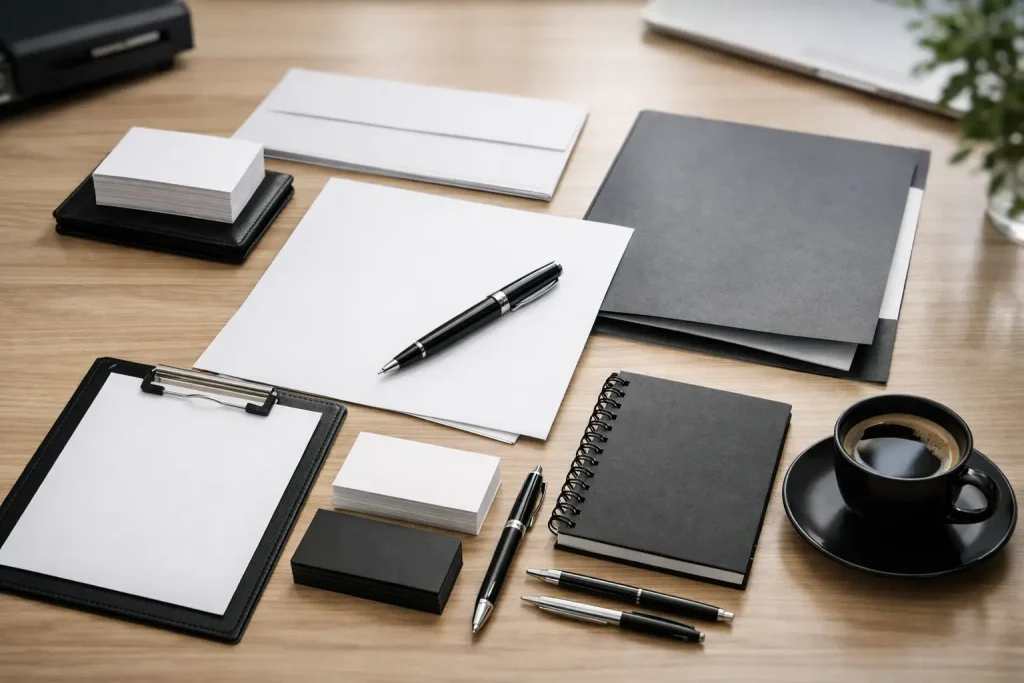
A complete stationery program varies by business, but it usually starts with business cards, letterheads, envelopes, and presentation folders. Depending on your operations, it may also include notepads, compliment slips, invoice books, labels, stamps, name badges, paper bags, and branded packaging.
The priority is consistency. Your logo size, colors, typefaces, contact details, and approved messaging should follow the same brand rules across every item. That does not mean every piece must look identical. A legal letterhead may need a restrained layout, while a sales folder can carry more color and visual impact. They should still clearly belong to the same organization.
For companies managing retail outlets, trade shows, or corporate events, stationery can be planned alongside brochures, stickers, uniforms, display boards, banners, and signage. Working from one coordinated set of brand assets reduces version errors and helps maintain a consistent physical presence.
Start With Use, Not Paper Weight
The most common printing mistake is selecting stock based on what looks premium in isolation. Start with how the item will be used. A card exchanged at a client meeting has different requirements from a letterhead that must run through an office printer.
Business cards need enough body to feel credible and withstand handling. A heavier uncoated or coated card stock is typically suitable, but the right choice depends on whether staff need to write notes on the card. Uncoated stock is easier to write on. Coated stock can produce sharper photographs and more vivid solid colors, though some coatings resist pen ink.
Letterheads should usually be chosen for printer compatibility first. If they will pass through laser printers or copiers, avoid stocks, coatings, or heavy ink coverage that may create feeding, heat, or toner adhesion issues. A clean uncoated sheet is often the practical choice for formal correspondence, quotations, and invoices.
Presentation folders need greater stiffness because they carry documents. Consider the document quantity, whether the folder needs a business card slit, and whether it will be handed out at a meeting or packed into an event kit. A folder that looks substantial but cracks at the fold or cannot hold its contents is not a successful specification.
Choose Print Methods Around Quantity and Quality
Printing method affects cost, turnaround time, color control, and finishing options. For short runs, digital printing is often the efficient choice. It supports quick production, variable information, and smaller quantities without the setup cost associated with traditional press work.
Offset printing is generally more cost-effective at higher volumes and offers strong consistency for repeated corporate stationery orders. It is particularly useful when your brand relies on precise color matching or requires a dedicated spot color. The trade-off is longer setup and lead time, so it is less suitable for a last-minute small batch.
For most orders, full-color CMYK printing is enough. However, some brands use specific spot colors, metallic inks, or fluorescent shades that CMYK cannot reproduce exactly. If brand color accuracy is contractual or highly visible, provide approved color references and discuss the expected result before production. A color viewed on a screen is not a reliable print target because screens use RGB light, while commercial printing uses ink on a physical surface.
When Finishing Adds Value
Finishing should support the purpose of the stationery rather than decorate it without reason. Matte lamination gives business cards and folders a smooth, understated surface with added protection. Gloss lamination can make colors appear more vivid, but it may show fingerprints and is not ideal for items that need handwriting.
Spot UV can highlight a logo or graphic on a matte background. Foil stamping can add a premium detail for executive cards, invitation inserts, or high-value client packs. Embossing and debossing create tactile interest, although they work best with uncomplicated artwork and sufficient paper weight.
These finishes raise unit costs and may extend production time. Use them where they strengthen a client-facing moment, not necessarily on every internal item. A standard staff card and a senior management card, for example, may have different finishing requirements while retaining the same core layout.
Build Print-Ready Files Before Requesting a Quote
A clear brief prevents avoidable revisions. Supply final artwork in the required size, preferably as a print-ready PDF, with fonts embedded or outlined where appropriate. Images should be high resolution at the final print size. A low-resolution logo taken from a website may look acceptable on screen but print soft or pixelated.
Include bleed when color or images extend to the edge of the sheet. Bleed gives the printer extra image area that is trimmed away, preventing unwanted white edges after cutting. Keep text, logos, and critical details inside a safe margin so they are not affected by normal cutting tolerances.
Before approving artwork, check the details that cause the most expensive reprints: employee names, job titles, phone numbers, email addresses, legal entity names, website URLs, office addresses, and registration details. For business cards, establish a single approved template and collect employee data in one organized spreadsheet. This is far more reliable than receiving individual files from multiple departments.
Set Rules for Variable Data
Corporate stationery often contains changing information. New hires, office moves, campaign phone lines, and updated job titles can quickly make a large print run outdated.
Separate fixed brand elements from variable fields. Fixed elements include the logo, approved colors, and standard company details. Variable fields include personal contact information, department names, branch addresses, and QR codes. This structure allows cards and labels to be updated without redesigning the entire item each time.
For high-turnover teams, smaller batches or print-on-demand workflows may cost more per unit but reduce waste. For stable information and regular consumption, ordering in volume can bring a better overall unit price. The best approach depends on how often your details change and how much storage space you have.
Specify the Full Set for a Cohesive Result
A corporate stationery order is easier to manage when all related items are scoped together. Your printer can then confirm shared colors, paper direction, finishing, and production schedules across cards, letterheads, envelopes, folders, and inserts.
Envelope printing requires particular attention. Confirm the envelope size, flap style, window position, seal type, and whether it will be machine-inserted. A dark background may look striking, but it can make addressing difficult and increase ink coverage costs. In many cases, a white or light address panel is the more functional option.
For folders and document packs, think beyond the outside cover. Decide what goes inside: proposal sheets, brochures, price lists, product samples, warranty cards, or event registration forms. This informs pocket depth, capacity, and whether inserts need matching sizes or special folds.
Businesses in Singapore often need stationery that supports both local client meetings and regional operations. If materials include multiple office locations, keep the hierarchy clear. Too many addresses and phone numbers on a business card can make it crowded, while a QR code or compact contact panel may provide a cleaner solution.
Review Proofs Like an Operations Check
A proof is not just a design approval. It is the final operational checkpoint before production. Review it at 100% scale if possible, especially for small text, fine lines, QR codes, and business card details. Check that QR codes scan from a printed sample, not only from a screen.
Ask to see a physical sample or production proof for color-critical or premium pieces. Digital proofs are useful for layout and text, but they cannot fully show the feel of paper, lamination, foil, embossing, or final color behavior. This matters most when ordering a large quantity or launching a new identity.
Assign one internal approver with authority to sign off. Multiple informal approvals can create conflicting instructions and delay production. Once approved, archive the final artwork, specifications, and order quantities for clean repeat orders.
Plan Reorders Before You Run Out
Corporate stationery should be treated as controlled brand inventory. Track the items used most frequently, set a reorder point, and account for upcoming hiring, events, campaigns, or office openings. Ordering business cards the day before an exhibition is avoidable if the team has visibility over stock and lead times.
Keep a record of paper type, weight, finish, print method, and approved artwork version. A reliable print partner can help maintain these specifications and coordinate related materials when a project expands from office stationery into brochures, exhibition graphics, branded apparel, or retail signage.
Well-produced stationery does quiet but valuable work. It makes every handover, mailed document, and meeting pack feel intentional. Start with a clear use case, approve the details carefully, and build a specification your team can reorder with confidence.